Hello Windows Insiders, today we are releasing Windows 11 Insider Preview Build
22621 to the Beta Channel. TL;DR We are releasing ISOs for this build – they can
be downloaded here. This build includes a small set of fixes that will improve
the overall experience for Windows Insiders on their devices. Changes and
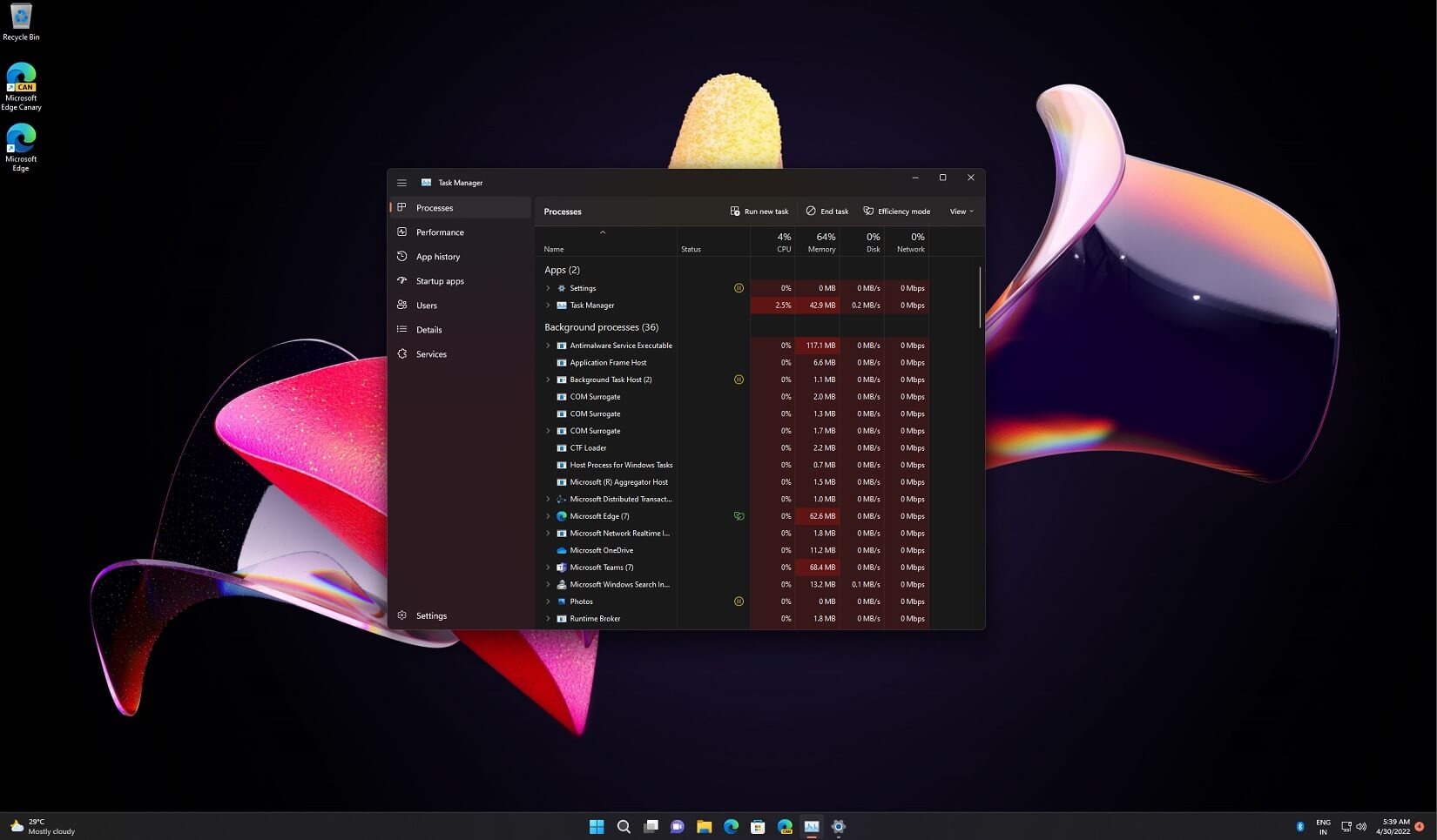
Improvements [General] [REMINDER] The build watermark at the lower right-hand
corner of the desktop is no longer present in this build. This doesn’t mean
we’re done, and the watermark will return to Insiders in a future build. Fixes
[General] Updated the underlying speech platform to improve voice activity
detection for voice access, live captions, and voice typing, as well as address
some issues with how punctuation is recognized. [File Explorer] Fixed an issue
leading to Insiders seeing error 0x800703E6 when copying files from Google
Drive. Fixed an issue where if you had ever opened the context menu, doing CTRL
+ ALT + DEL and cancelling would lead to explorer.exe crashing. [Taskbar] Fixed
an issue related to loading the system tray icons in Settings > Personalization
> Taskbar which could cause Settings to crash when opening that page recently.
This issue may have also led to some explorer.exe crashes for impacted Insiders.
[Windows Security] Fixed an issue which could result in Smart App Control
unexpectedly blocking correctly signed applications. Known issues [Live
captions] Certain apps in full screen (e.g., video players) prevent live
captions from being visible. Certain apps positioned near the top of the screen
and closed before live captions is run will re-launch behind the live captions
window positioned at top. Use the system menu (ALT + Spacebar) while the app has
focus to move the app’s window further down. For developers You can download the
latest Windows Insider SDK at aka.ms/windowsinsidersdk. SDK NuGet packages are
now also flighting at NuGet Gallery | WindowsSDK which include: .NET TFM
packages for use in .NET apps as described at ms/windowsinsidersdk C++ packages
for Win32 headers and libs per architecture BuildTools package when you just
need tools like MakeAppx.exe, MakePri.exe, and SignTool.exe These NuGet packages
provide more granular access to the SDK and better integrate in CI/CD pipelines.
About the Beta Channel The Beta Channel will be the place we preview experiences
that are closer to what we will ship to our general customers. However, this
does not mean every feature we try out in the Beta Channel will ship. We
encourage Insiders to read this blog post from last month that outlines the ways
we’ll try things out with Insiders in both the Dev and Beta Channels. The
desktop watermark you see at the lower right corner of your desktop is normal
for these pre-release builds.


Thanku Very Much
ReplyDelete